Ore 7.0 — Use your iPhone as a microphone
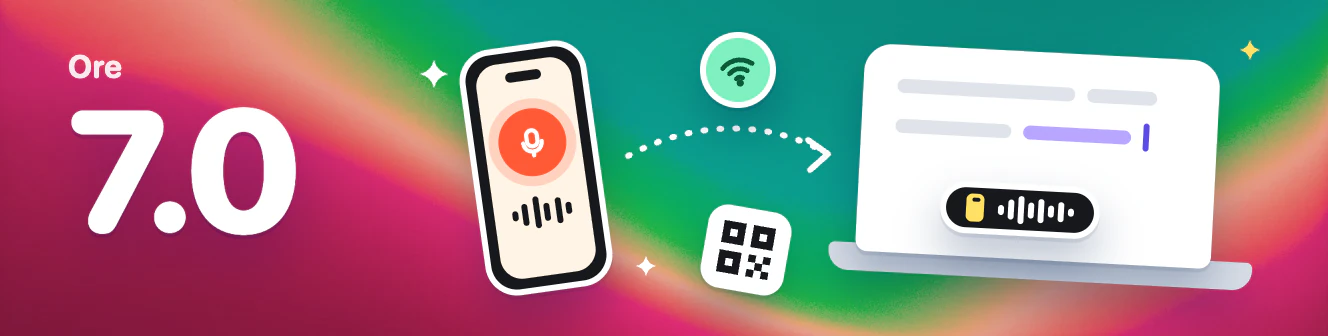
Ore 7.0 turns your iPhone into a microphone for your computer. Dictate clearly even when you're away from your desk or your computer's mic isn't great.
📱 iPhone as a microphone
- Speak into your phone, type on your computer: Press the dictation shortcut on your computer, or tap to talk on your iPhone. The text goes straight to your computer's cursor.
- Pair once with a QR code: On your computer, open Settings → iPhone and scan the code with Ore for iPhone. Both devices just need to be on the same Wi‑Fi.
- Keeps working without your phone: If your phone isn't connected, Ore uses your computer's mic and lets you know on the recording capsule.
- Get Ore for iPhone: Ore for iPhone is in public beta on TestFlight. Join the beta.
💬 Clearer notices
- Dictation notices stay on the capsule: Pre-start checks, interrupted recordings, recognition errors, and confirmations all appear on the recording capsule instead of the corner of the window.
- No more endless spinner: If Ore can't reach speech recognition, "Preparing" ends within 10 seconds and asks you to check your network.
- Errors you can understand: When recording can't start, Ore tells you why instead of showing an internal error.
⬇️ Easier updates
- New versions download on their own: Ore downloads updates in the background and asks you to restart once they're ready.
- Checks after waking up: Ore checks for updates when your computer wakes from sleep or unlocks.
🛠 Fixes and improvements
- Fixed shortcuts being cut off on Windows.
- Shortcut fields in Settings now share one width, so they line up.
- If you subscribed in the App Store through Ore for iPhone, Account takes you to the App Store to manage it.
- You can retry when What's New fails to load.