
iOS & Android
Harp, a native multi-model AI chat app
Harp is an independent multi-model AI chat app for iPhone, iPad and Android. Connect major model providers or any compatible endpoint in a fast, native interface, with your own API keys. The app is free to download; model usage is billed by each provider to your own account at the provider's rates. Your conversations stay on your device.
A look inside
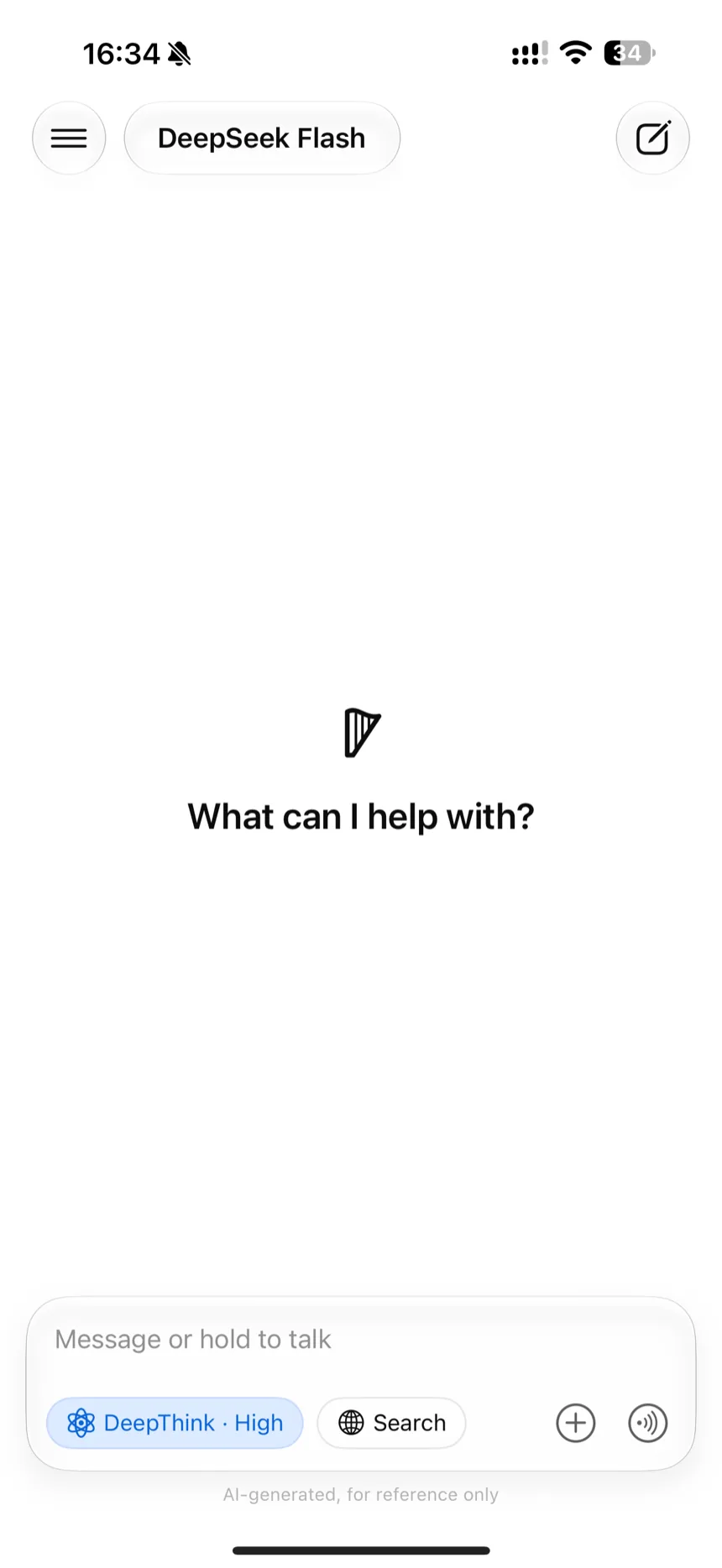
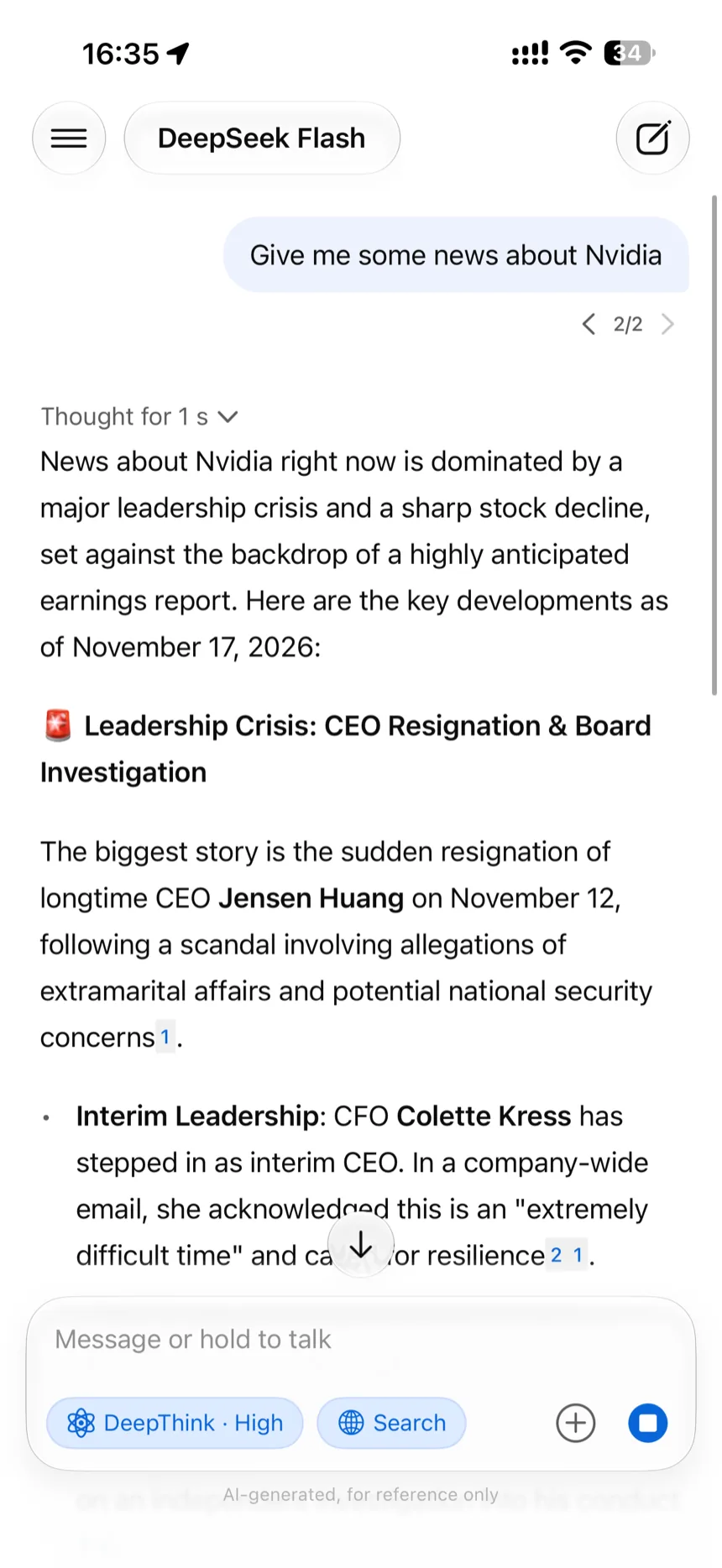
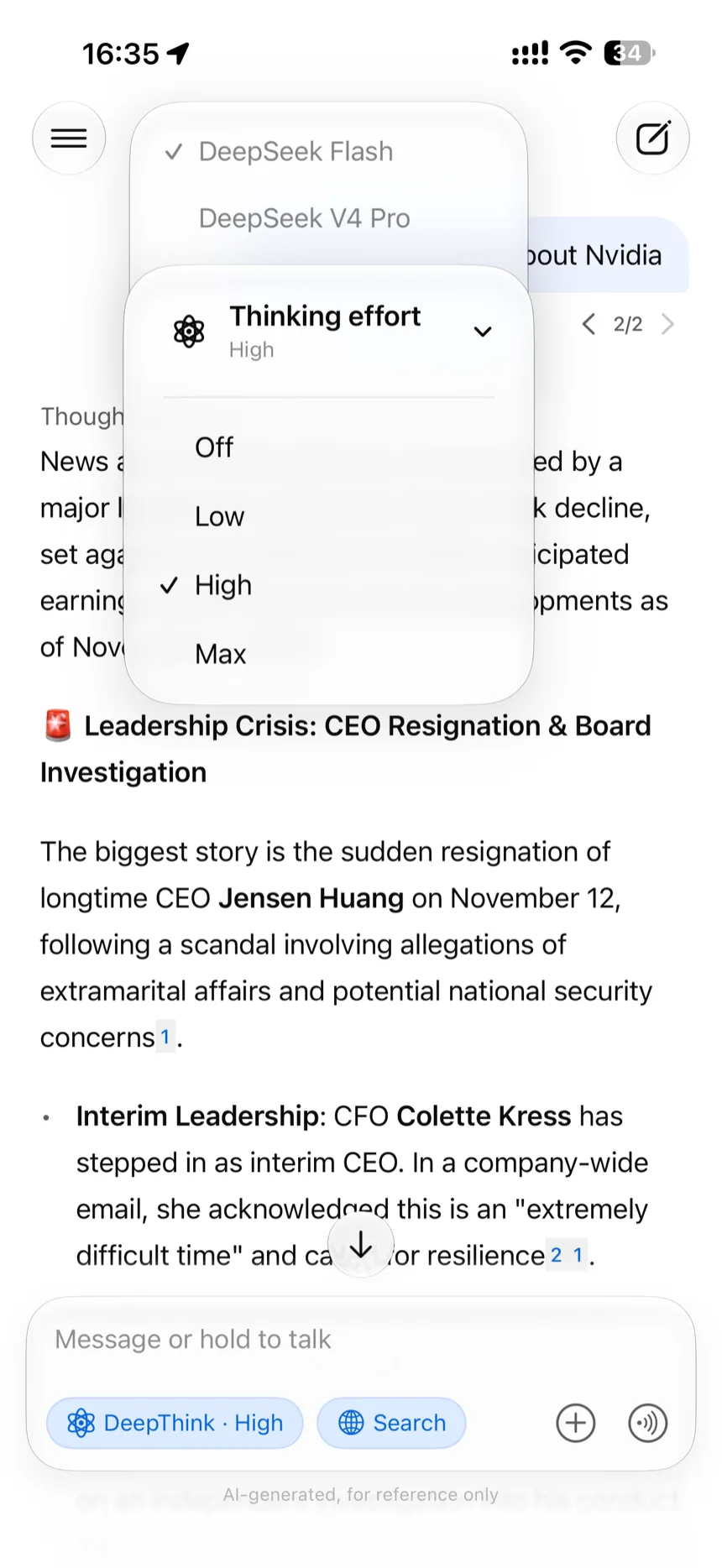
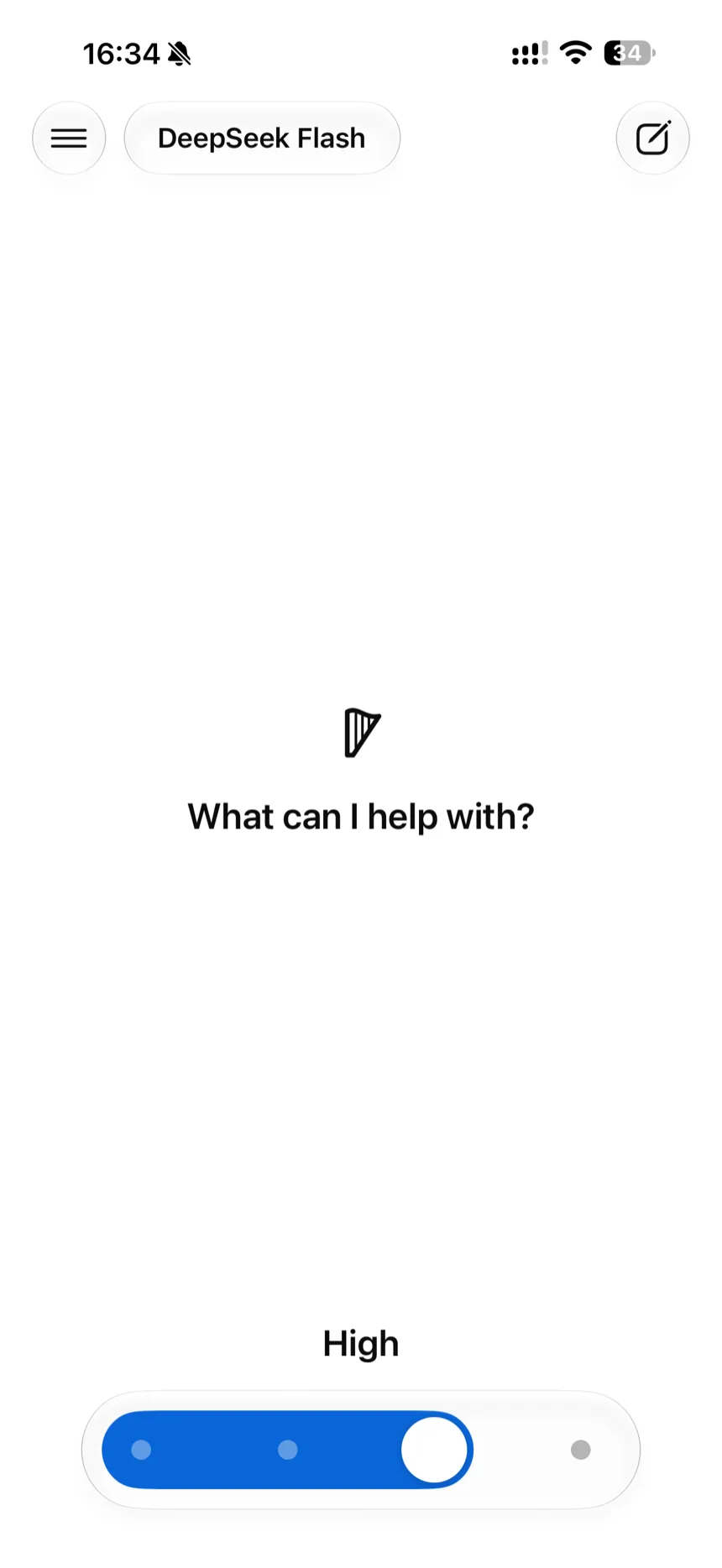
Download Harp
Install the iOS beta through TestFlight, or the Android APK directly.
iOS & iPadOS
The beta is distributed through Apple TestFlight. Install the TestFlight app first.
Android
APKs downloaded here check for updates automatically inside the app.
64-bit devices only (arm64-v8a).
- File size
- 10.1 MB
- Released
- Nov 26, 2026
- Requires
- Android 8.0
SHA-256
0d6507bfb7e80a7d0d3923a53a0b3bc4f093674a6d73f6699822b0950cf09521What Harp does
- Many providers, your own keys
- Built-in presets for DeepSeek, Moonshot (Kimi), GLM, SiliconFlow, OpenRouter, OpenAI, Anthropic, Google Gemini, Groq, Mistral, Together and more, plus custom compatible endpoints. Each provider uses your own API key, and you can save several keys per provider and switch anytime.
- Streaming chat and rich rendering
- Replies stream in as they are generated, with Markdown, code highlighting, math and Mermaid diagrams, drawn on-device with no external server.
- Deep thinking
- Choose a thinking effort where the model supports it, and follow the model's reasoning before it answers.
- Projects with instructions
- Organize chats into project folders and give each project its own instructions; every chat in the project carries them. Deleting a project never deletes its chats.
- Branches and reply history
- Edit a question or regenerate a reply to explore a new branch without losing the old one; AI replies can be rewritten, with previous versions kept for restoring.
- Local storage and search
- Conversations, attachments and full-text search live on your device; temporary chats stay out of history and the sidebar.
- Voice input and read aloud
- Dictate messages and have replies read aloud, including automatic read aloud after each reply. Transcription and speech use DeepSeek's official tools.
- Web search and link reading
- Turn on web search to ground answers in fresh pages, and links in your message are read automatically as reference. Search and fetch are provided by DeepSeek's official tools.
FAQ
- Does Harp cost anything?
- The app itself is free to download. Chatting uses your own provider API keys, so model usage is billed by that provider to your own account at the provider's rates. Harp does not collect any payment.
- Which providers and models are supported?
- Presets include DeepSeek, Moonshot (Kimi, CN and Global), GLM (Zhipu), SiliconFlow, OpenRouter, OpenAI, Anthropic, Google Gemini, Groq, Mistral and Together AI, plus custom endpoints (OpenAI-compatible, OpenAI Responses or Anthropic Messages protocols). You can fetch each provider's model list or add models manually. Features depend on what each provider and model actually supports; not every model can use every feature.
- Is my API key safe?
- Keys are stored only in your device's secure storage (the iOS Keychain or Android Keystore) and are sent only to the matching provider endpoint you configured, to authenticate requests. Harp has no accounts, uploads no keys, and exports never include them. You can remove a key anytime in Settings.
- Where are my conversations stored?
- In your device's private storage — no accounts, no cloud sync. When you chat, your message and the necessary context are sent to the currently selected provider to generate the reply. The exported ZIP contains text content and structure only, not attachments or keys.
- What does voice input, read aloud and web search require?
- Speech-to-text, text-to-speech, the standalone web search and link reading are provided by DeepSeek's official tools and need a DeepSeek API key configured in Harp — even if the current chat uses another provider, these features still call DeepSeek. Document attachments (files other than images) currently also work only with the official DeepSeek service.
- Is Harp affiliated with DeepSeek or other providers?
- No. Harp is an independent third-party client made by hecara. It is not made by, affiliated with or endorsed by any model provider.
- Can I import or export chats?
- You can paste a chat.deepseek.com share link or import a DeepSeek official data-export ZIP. Export uses the same format and can be imported into other compatible clients. It contains text, thinking and search records; attachments are not included.
Support
Questions, bug reports or feature requests: email us and we'll get back to you. Please include your OS version (iOS or Android) and the Harp version (shown in Settings).