 Fiume
 Oreen
 Baton
Oreen 8.0 — Help Me Write, Phrases, Usage Stats, and a New Sidebar
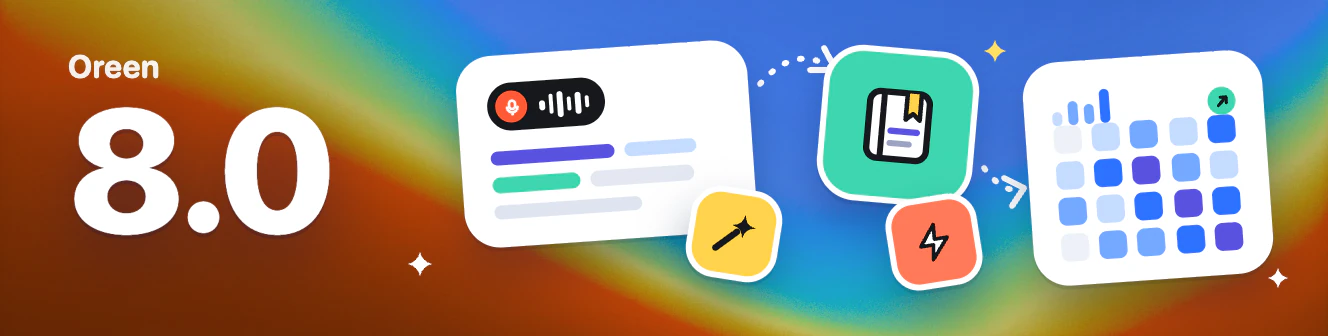
Oreen 8.0 introduces voice-powered Help Me Write, synced Phrases, Usage Stats, a dedicated Dictionary view, and a refreshed sidebar.
✨ Help Me Write
- Rewrite or draft by voice: Select text and press your dictation shortcut to rewrite it by voice. With nothing selected, simply describe what you want to draft emails, replies, or notes directly at your cursor.
- Safe failure handling: If a request cannot be completed, your spoken instructions are never mistakenly inserted into your document, and you can retry directly from the capsule.
🧭 Refreshed sidebar and workspace
- Always-expanded sidebar: The sidebar stays open with a quick-create button at the top for effortless switching across History, Notes, Phrases, Dictionary, and Usage Stats.
- Phrases with cloud sync: Organize reusable snippets into groups, insert them quickly, import system text replacements, and keep them synced across your devices.
- Usage Stats: See your total words, time saved, speaking pace, and daily activity heatmap, with one-click shareable cards.
- Dedicated Dictionary view: Search, edit inline, bulk import, undo deletions, import Contacts names, and sync your custom terms across devices.
- Clearer Account view: Speech recognition usage now sits right below your profile.
🛡️ Clearer notices and fixes
- Never lose your words: If polishing is momentarily busy, your spoken text is still preserved with a one-click retry option on the capsule.
- Accurate status notices: Clearer prompts for quota reminders, email verification, and account sign-in changes.
- Fixed an issue where successful pastes were occasionally reported as failed, and improved app startup reliability.